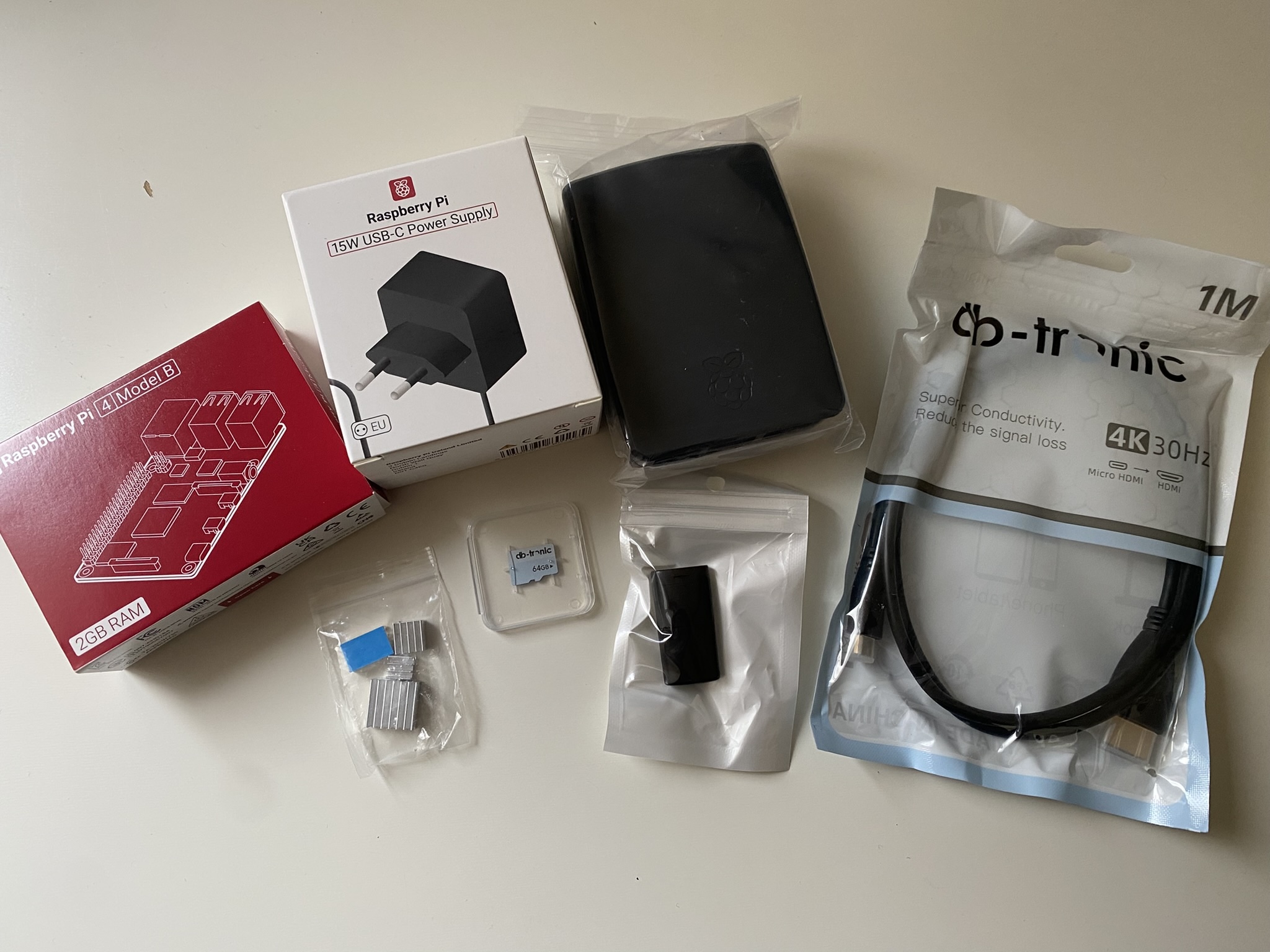
Part 2: The Beauty arrived
The beauty has arrived and what shall I say - the second I saw it, everything finally clicked. All those questions I had swirling in my head about my other Pis? Instantly answered. I kind of feel silly now, but hey… I was confused for a reason. 😇
And as you can see, there is a huge difference between my new Pi 4 and the Pis Zero 2 (as I now know ;)) I got as a gift:
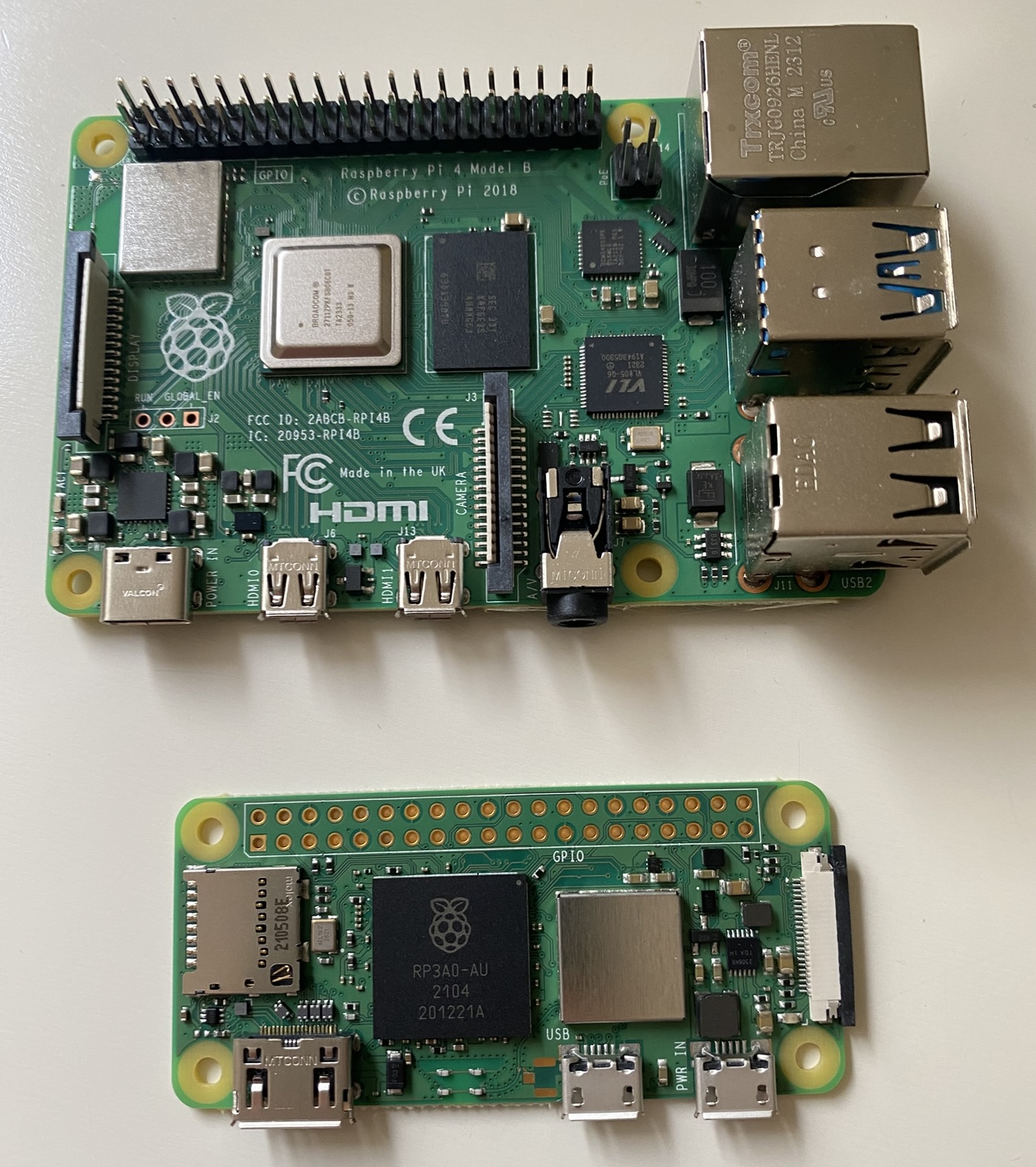
Sooooo, I’m finally kicking off my little pet project. First step: Get the Pi’s up and running!
Installing Raspberry Pi OS on the SD card
A Pi is nothing without an SD Card - it’s the storage, and basically the heart of the setup. So the very first step is getting the right OS on the SD card.
The easiest way to do so is using the Raspberry Pi Imager . Once downloaded, we can directly plug the SD card in and start configuring:
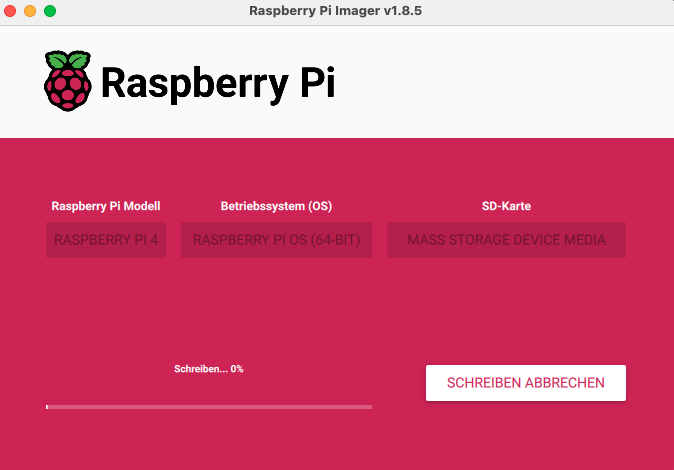
I enabled WiFi and SSH right away so I wouldn’t need to connect a monitor. For this first test I chose raspberrypi as hostname (which of course won’t work when building the cluster, but for now it’s ok). That way, I can access the Pi from my laptop terminal with:
ssh verenatraub@raspberrypi.local
And there we go - connected!
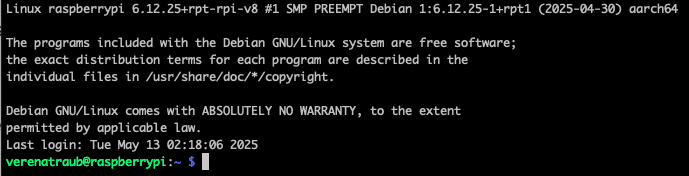
As recommended, I directly updated all packages by running
sudo apt update && sudo apt upgrade -y
I have to admit, all of this was way easier than expected, so I jumped right in and installed k3s - a lighweight Kubernetes distribution that’s great for resource-constrained environments, which my Pi definitively is.
My initial install
curl -sfL https://get.k3s.io | sh -
directly ended up with the first error:
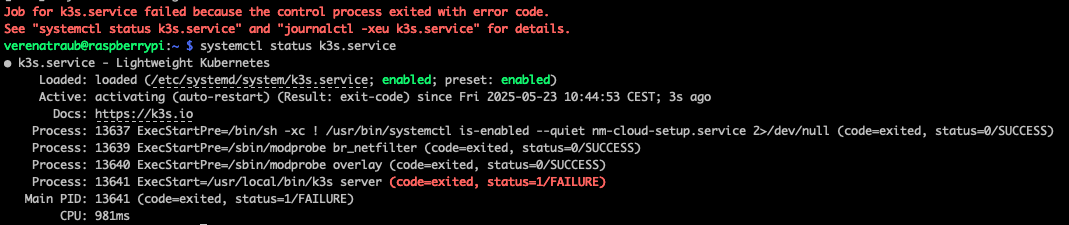
After some investigation (journalctl -xeu k3s.service to the rescue) and a little help from buddy ChatGPT, I found out that K3s is expecting cgroups v2 for memory management, but the Raspberry Pi OS seems to still use cgroups v1.
Getting rid of this error included:
Open the boot config by running:
sudo nano /boot/firmware/cmdline.txt
Add the following to the end of the existing line:
systemd.unified_cgroup_hierarchy=1 cgroup_enable=memory cgroup_memory=1
Reboot by running:
sudo reboot
And finally uninstall and reinstall k3s
sudo /usr/local/bin/k3s-uninstall.sh
curl -sfL https://get.k3s.io | sh -
Since k3s also installs kubectl, checking for an existing node was simple - and kubectl get nodes was successful:

So far so good :) Given this all was super fast until then, I wanted to try deploying something on my node. So I started with a very basic deployment:
sudo kubectl create deployment nginx --image=nginx
which I exposed by a service:
sudo kubectl expose deployment nginx --port=80 --type=NodePort
Checking http://<raspberry-pi-ip>:<node-port> in the browser, it worked out nicely:

One note though: The pod took forever to come up. There are a few reasons for that — I’ll explain in another post.
Next up: Installing another app. For a Kubernetes 101 workshop I created for my company b’nerd, I also build a super basic Hello World page. Perfect test candidate.
Also this was very straight forward:
Create a yaml
nano ~/hello-world-deployment.yaml
and insert the spec for the deployment:
apiVersion: apps/v1
kind: Deployment
metadata:
  name: hello-world-app
spec:
  replicas: 1
  selector:
    matchLabels:
      app: hello-world-app
  template:
    metadata:
      labels:
        app: hello-world-app
    spec:
      containers:
        - name: hello-world-app
          image: vtrhh/hello-world-app
          ports:
            - containerPort: 3000
Deploy and expose it by running
sudo kubectl apply -f hello-world-deployment.yaml
sudo kubectl expose deployment hello-world-app --type=NodePort --port=3000
And after a bit more waiting - I was happy :)

Motivated by all this progress, I started tinkering with one of the Pis Zero 2 - but since I bought SD cards that are too small (oopsy), I could only play around with the OS Lite version for now. Also: I’ve decided to switch from Nano to Vim for future work. Just a personal preference.
BUT: It’s Friday afternoon. I’ll leave the rest for next time, including a detailed shopping list of everything I am planning to use next time. 😊