Back on the Cluster: Say Hi to the Blog
After all the unexpected battles, I finally reached that magical point where everything is running again. Naturally, that meant one thing: Time to overengineer my blog.
As I already described back in Part 4 , all it really takes is a Deployment, a Service, and an Ingress to get things rolling. Easy, right? So, I went ahead and wanted to deploy the manifests.
And… of course, it didn’t work. Out of several reasons I guess, and, embarrassingly enough, I think I forgot quite some details about how I did it last time. Most important things I kind of found out for the second time:
- if I want to go for the lazy approach, meaning: Having the yaml files on my local laptop, exporting the kubeconfig and then just deploy and check in k9s - it’s important to add the correct IP into the kubeconfig. It is NOT the IP of the Control Plane Pi or the one of the ingress - it is the IP of my WiFi which links the Pi and me. Kind of completely makes sense - I just forgot 🙈
- Same applies for the entry in my /etc/hosts file so I can have a look at my blog running on kubernetes via raspberry-adventures.local
After fiddling these things out, I was ready to sneak in the browser, but - no luck. It again took some while to figure it out, but in the end it helped to tweak Traefik a bit and have it run in hostNetwork mode:
kubectl -n kube-system edit deploy traefik
Then add this bit under spec.template.spec:
hostNetwork: true
Save and watch Traefik restart.
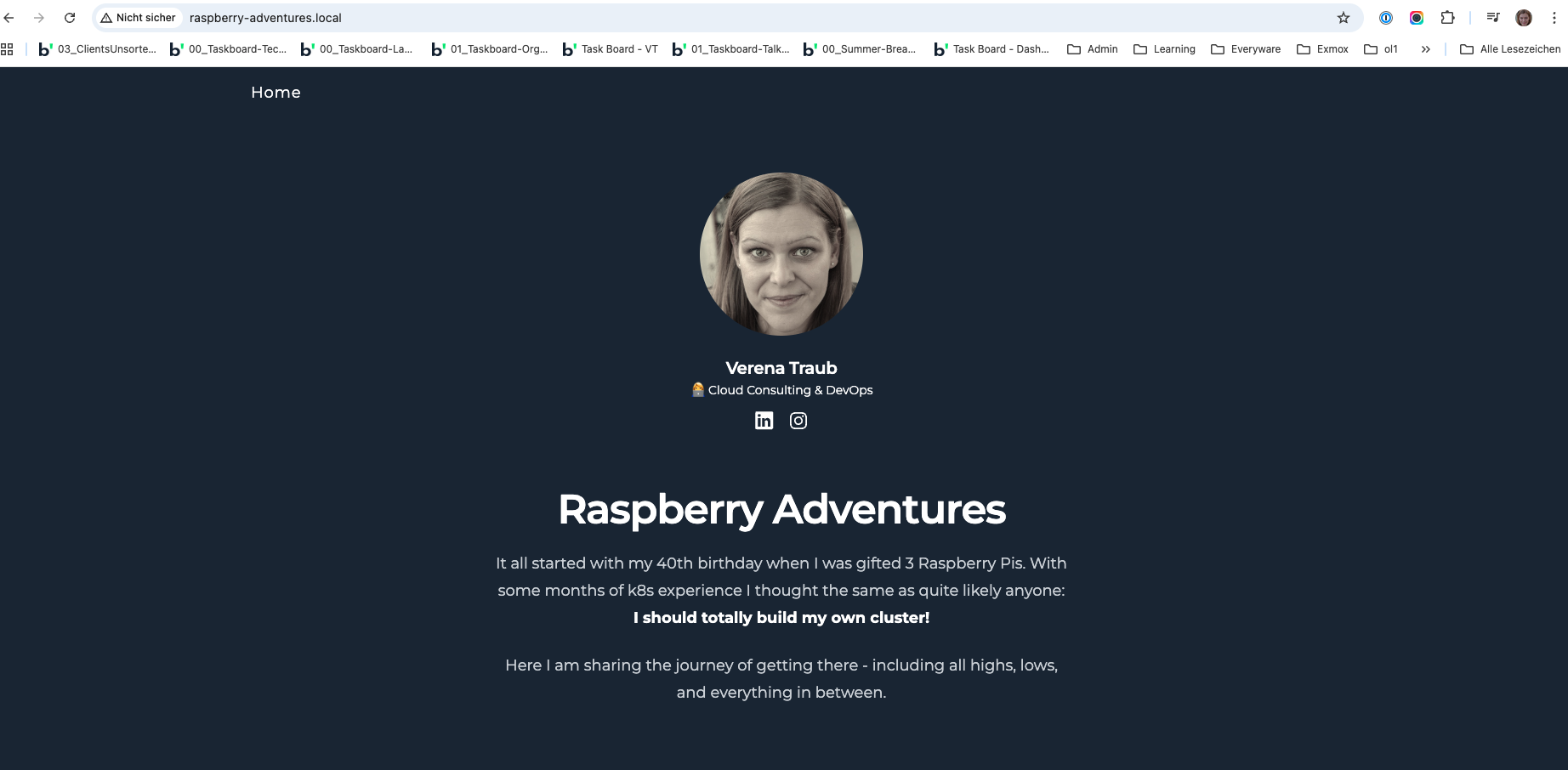
Now, everything worked out and I could see my blog on raspberry-adventures.local:
Updating the image
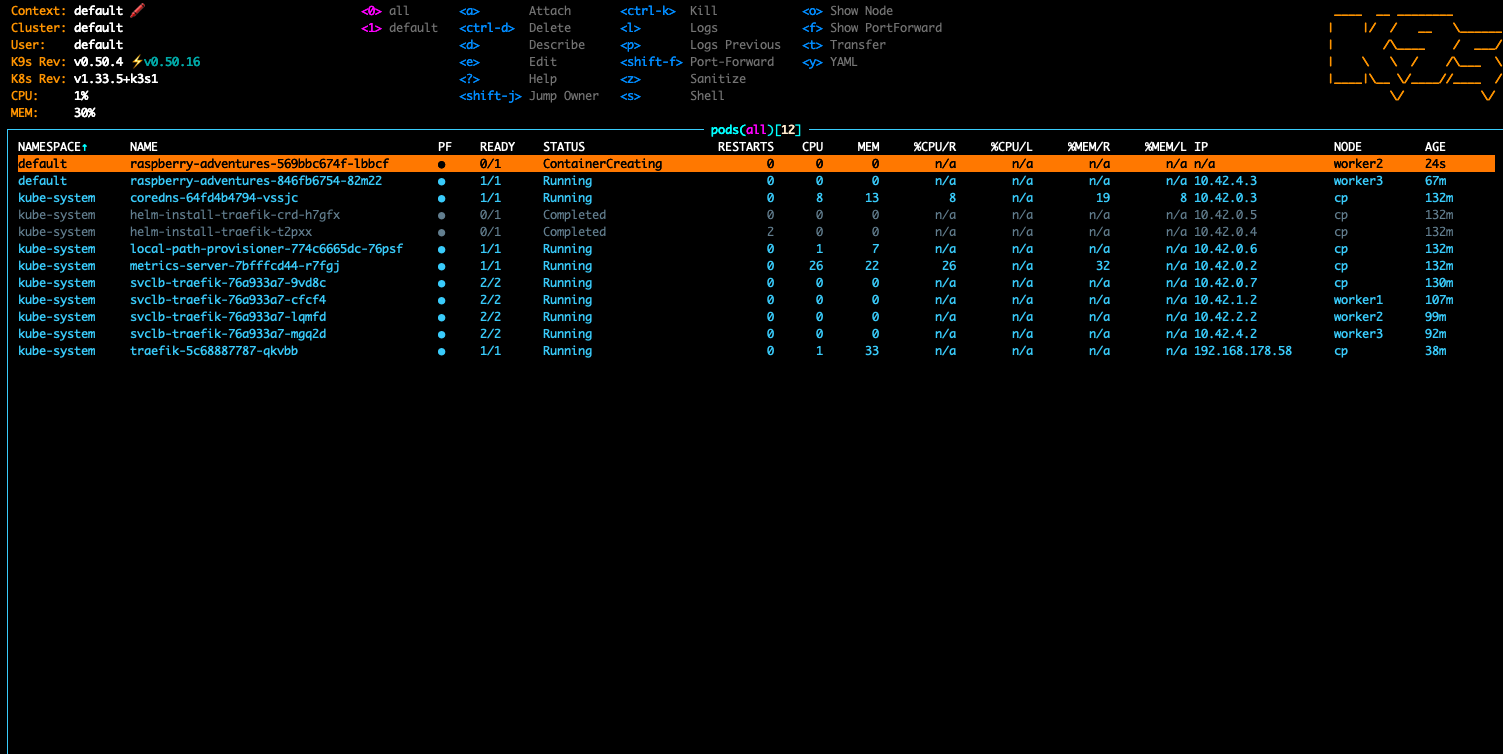
Of course, the image I had deployed was… slightly outdated. So I rolled up my sleeves and built a fresh one. While doing so, I realized using a multi-arch build like I did last time is not really necessary, and directly built an ARM image. I updated the deployment accordingly, and voilà — a shiny new pod spun up:
Finally - a working blog with most recent articles from October — back on the cluster where it belongs. 🚀